
Rundocs › Support & Help
Rundoo Support
Last updated 2026-07-28
Rundoo Support is a phone call, a chat, or an email away. Real humans who know the product and pick up fast. This Rundoc covers how to reach us and where to file ideas for what we should build next.
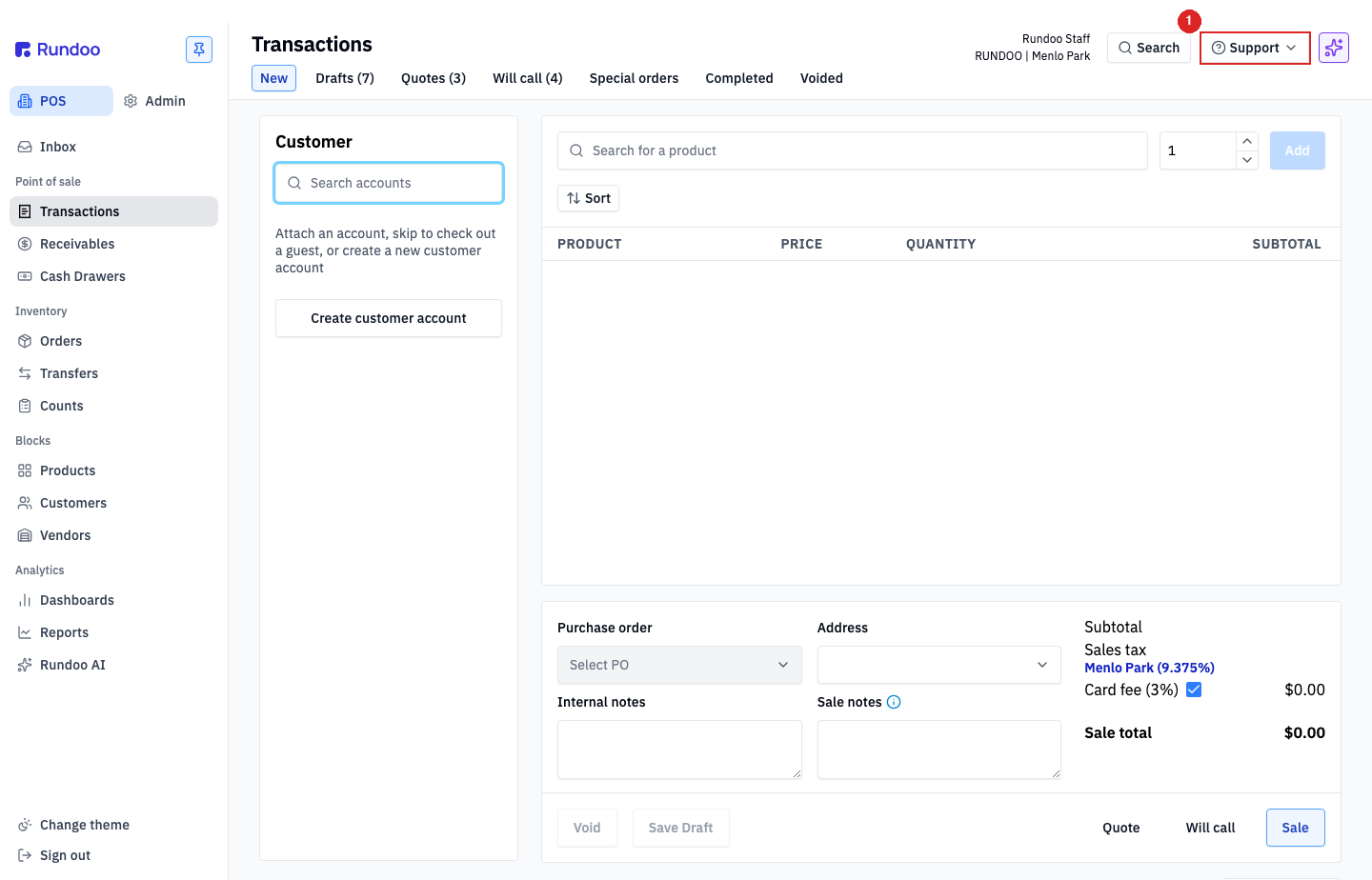
In the POS mode, look at the top-right of the header. The Support button is right next to Search. The same button shows up in Admin mode too, so you can reach Support from anywhere in Rundoo.
Video walkthrough
Reaching Rundoo Support
Three ways, pick whichever fits the moment:
-
Phone:
(650) 334-3205. The fastest path when a customer is standing at the counter and something isn't cooperating (urgent calls get picked up live, non-urgent calls go into a callback queue and we return them in order). Have your store name and what you just tried ready. -
Chat: click
Supportin the header, thenChat with supportto start a conversation in-app. Dooey takes a first pass. Feed it screenshots and as much context as you can; if its answers aren't landing, ask to speak to a support agent. Staying in the chat gets the fastest reply (typically minutes); if you step away or get disconnected, we follow up via email as long as the case is still open. -
Email: support@rundoo.ai. Best for strategy questions or anything that's not time-critical (complex back-and-forth, pricing-tier reworks, multi-step troubleshooting). Attach screenshots, give us a day, we'll get back to you.
Support hours are Monday through Friday, 6am–6pm Pacific. Outside those hours, our AI agent answers chat and you can leave a voicemail by calling. For an after-hours emergency, call (650) 334-3205 and press 1, that routes straight to the on-call person.
The Support button in Rundoo
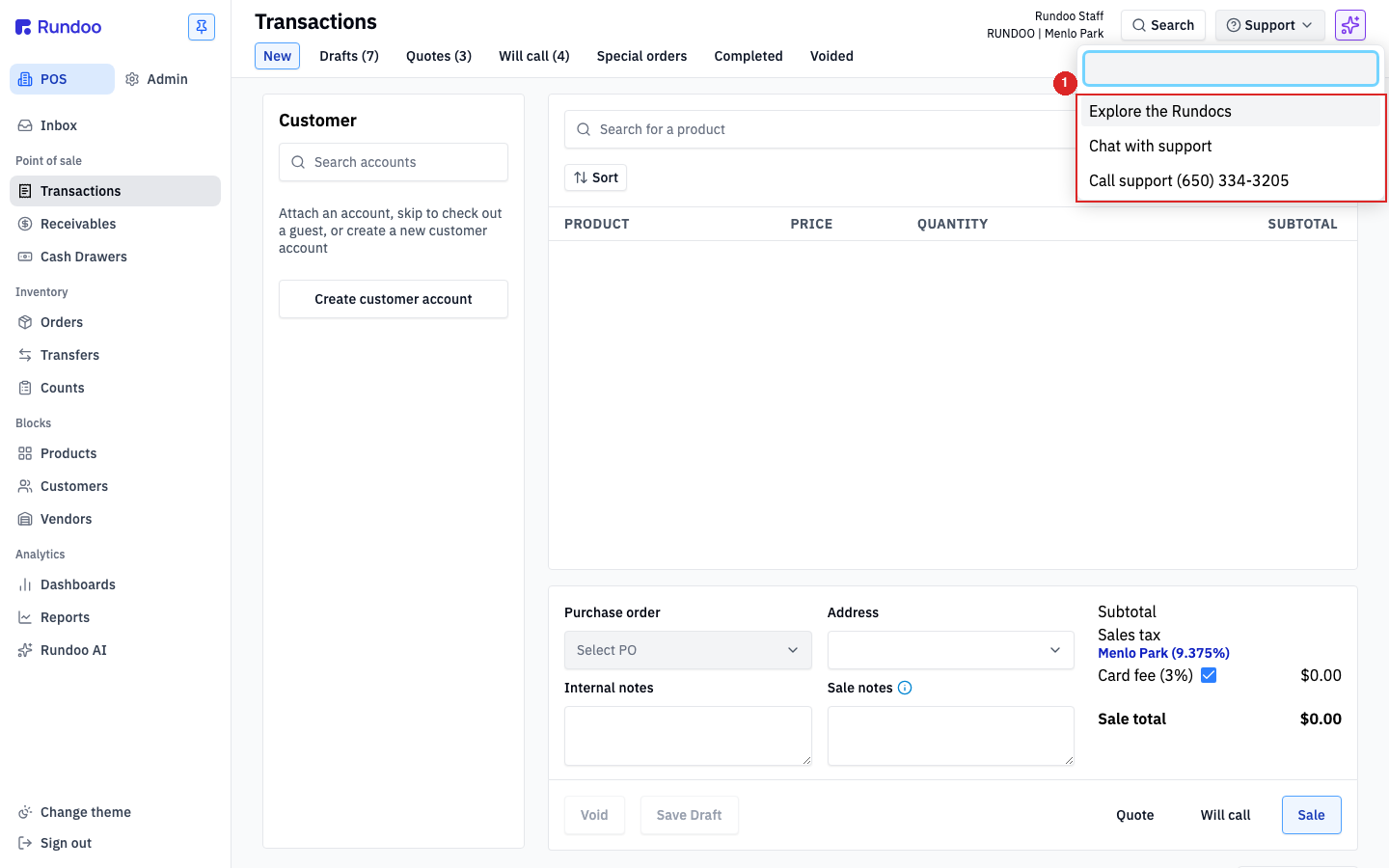
Click Support in the top-right of the header and a small menu drops down with three options:
-
Explore the Rundocs (opens the Rundoo help library in a new tab). That's this wiki, how-to guides for every workflow in Rundoo. Good first stop for "how do I…" questions.
-
Chat with support (starts an in-app chat with the Rundoo Support team).
-
Call support (650) 334-3205. The same phone number as above, one-tap-dialable on a phone or tablet.
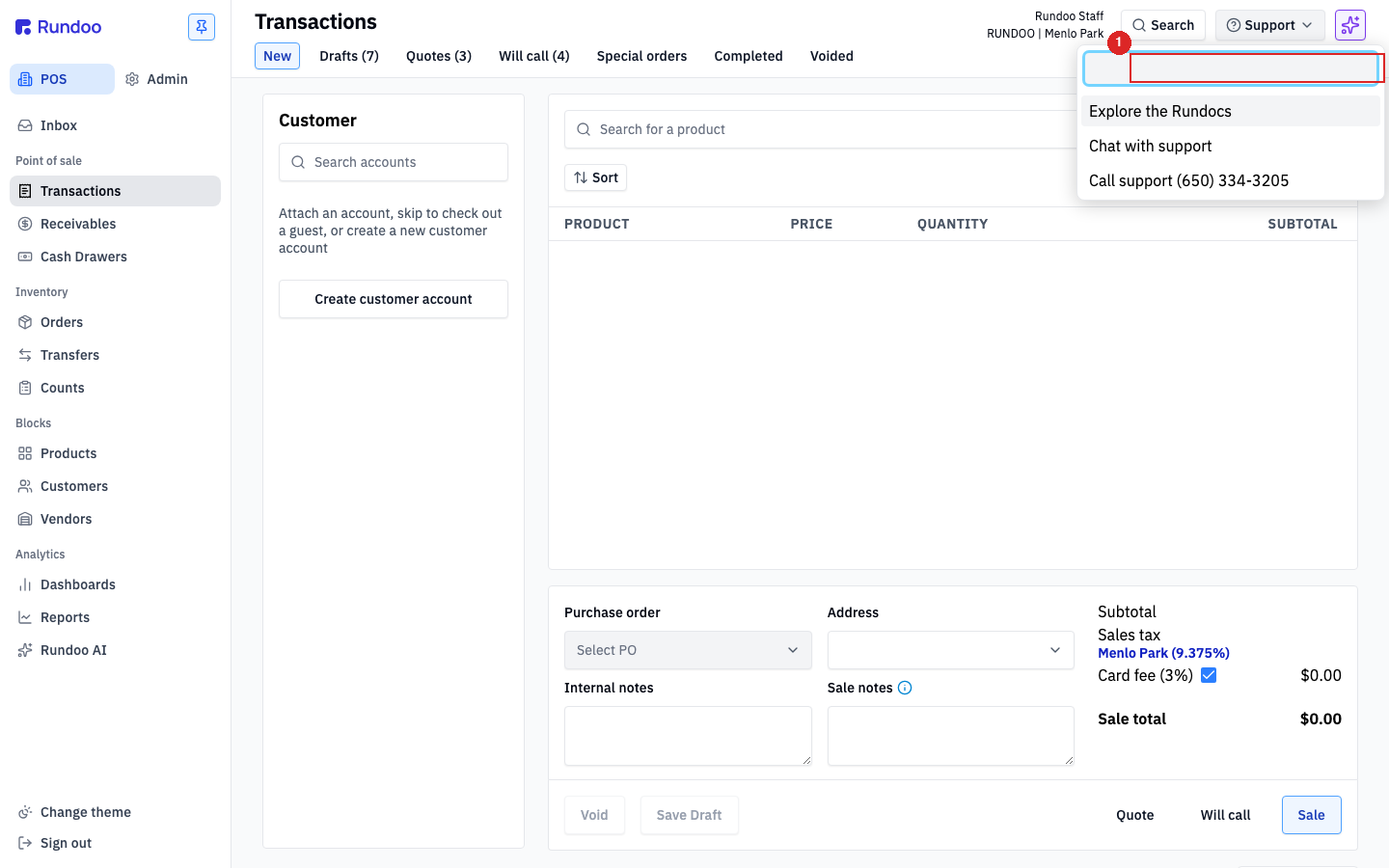
The menu also has a search input at the top for quick lookups against the help library.
Letting Rundoo Support connect to your computer
For complex issues (stuck data imports, accounting reconciliation, hardware drivers) it helps if Rundoo Support can see (or click on) your screen directly. Rundoo uses Zoho Assist for remote sessions. Two flavors, depending on how often you need it.
One-time session
Best when something's wrong right now and Support is already on chat with you.
-
Click
Supportin the header →Chat with support. -
Send a message describing what's wrong.
-
Wait for the agent to reply with a remote-session link.
-
Click
Join Nowin their reply, thenJoin sessionin the new tab. -
Click
Agree and download, then open the downloadedZA_Connect.exe. -
A box in the lower-left corner confirms Support is connected. Close that box (the
×) when you're done. Zoho Assist auto-deletes itself.
Support only sees what's on screen during the active session; the connection drops the moment you click ×.
Ongoing access for go-live data transfer
If you're new to Rundoo and the Data team needs recurring access during go-live to migrate data from your old system, install Zoho Assist Unattended once. From then on Rundoo's Data lead can reconnect anytime the computer is powered on and online. No action needed at the counter.
Click tinyurl.com/rundoo and follow the prompts. One-time install.
Unattended access is for data-transfer onboarding, not day-to-day Support. The Data team uses it during the first few weeks of go-live. Once you're past go-live, you can uninstall the unattended client (Windows: Programs and Features) if you'd rather not leave the access in place. Day-to-day issues use the one-time session above instead.
Submitting feature requests
If Rundoo doesn't do something you need, or does it in a way that's awkward for how your store works, that's not a Support ticket, that's an idea. File it on the Idea board.
The Idea board is where real customer posts get read by the Rundoo product team and shape what we build next. You can post a new idea, upvote existing ones, and comment on posts to sharpen the thinking. The most-voted posts tend to become the themes we work on.
Support handles "this broke, please help." The Idea board handles "I wish Rundoo could…". Different surfaces, both read by us.