Chat
Support → Chat with support
Fastest answer. Paste a screenshot.

Getting Started with Rundoo · Unboxing
Chat, call, or search the moment you're stuck.
You know your business inside and out. As you get comfortable with a new system, though, peace of mind at the counter is everything. When a question pops up, or something on the screen doesn't look right, you need to get an answer fast and keep your customers moving. In Rundoo, help is always one button away, and it is the exact same button no matter where you are in the system.
Up in the top-right corner of the header, right next to Search, you'll see the Support button. It stays put on every single screen in Rundoo, in both POS and Admin, so wherever you are, this is where you start.
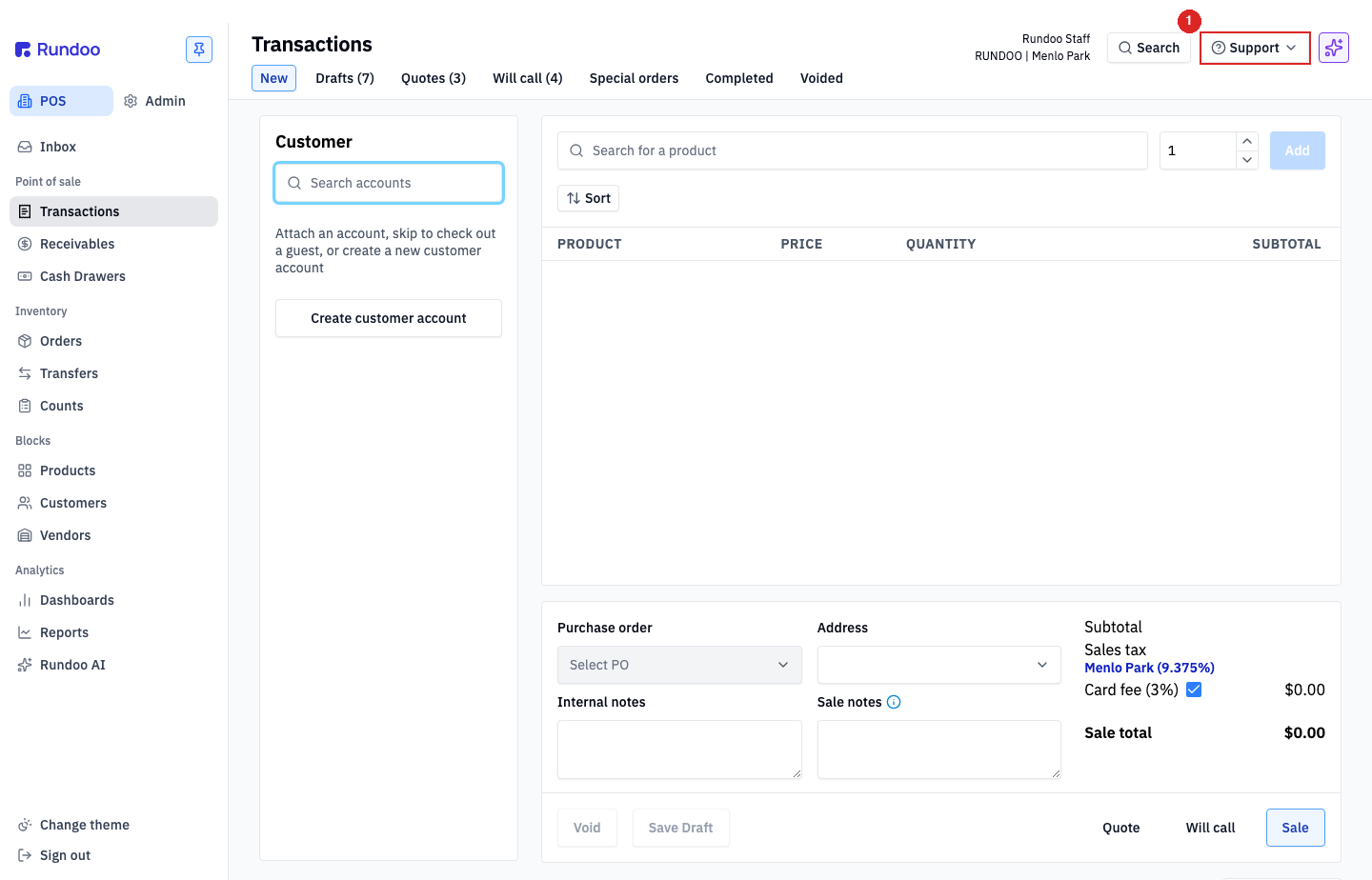
Click Support in the top-right corner. A small menu drops down with three options, plus a search box at the top for quick lookups.
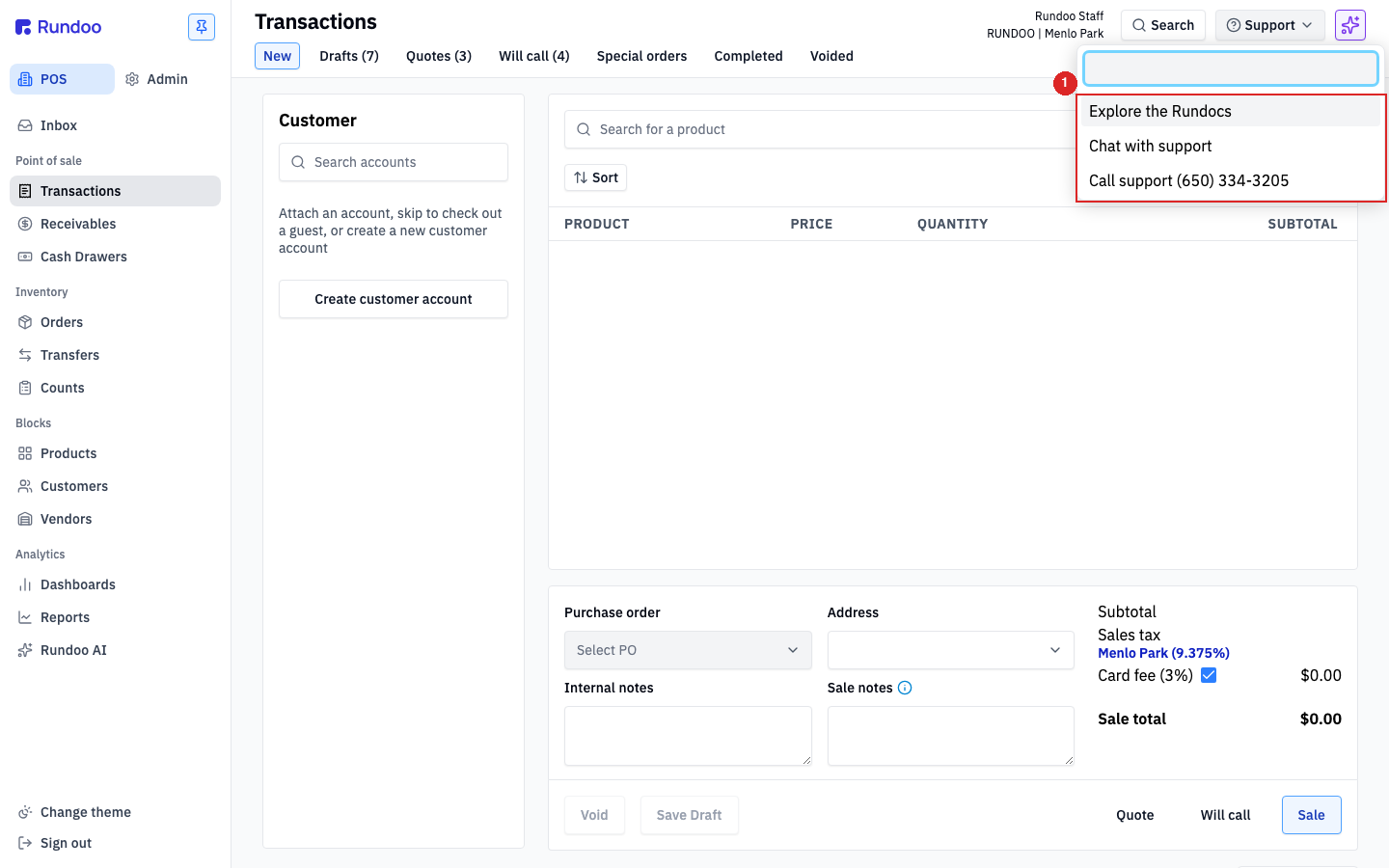
Pick Chat with support and type what's happening. Say a regular from Riverside Contracting is at the counter, but their contractor discount isn't applying to a gallon of paint. Just describe it in plain words.
Tip worth its weight: snap a picture of your screen and paste it right into the chat. It shows the team exactly what you're looking at, without you writing a long explanation.
Rundoo's assistant takes the first crack right away. If its suggestion isn't quite right, just ask for a real person and the support team jumps in. Stay in that chat window and the replies come back to you there.
If the line at the counter is backing up and you just need a live voice, give us a call at (650) 334-3205. That's your express lane. Urgent calls get picked up live, and the rest go into a callback queue we work in order. Have your store name and what you just tried ready.
For a bigger, no-rush question, like how best to set up a new lumber yard, drop us an email at support@rundoo.ai. Attach a screenshot if you have one, and you'll usually hear back within a day.
A lot of the time you can get right back on track on your own. Click Explore the Rundocs to open the help library, or use the search box at the top of the Support menu. The guides cover just about every routine in your shop, and you can search in plain words.
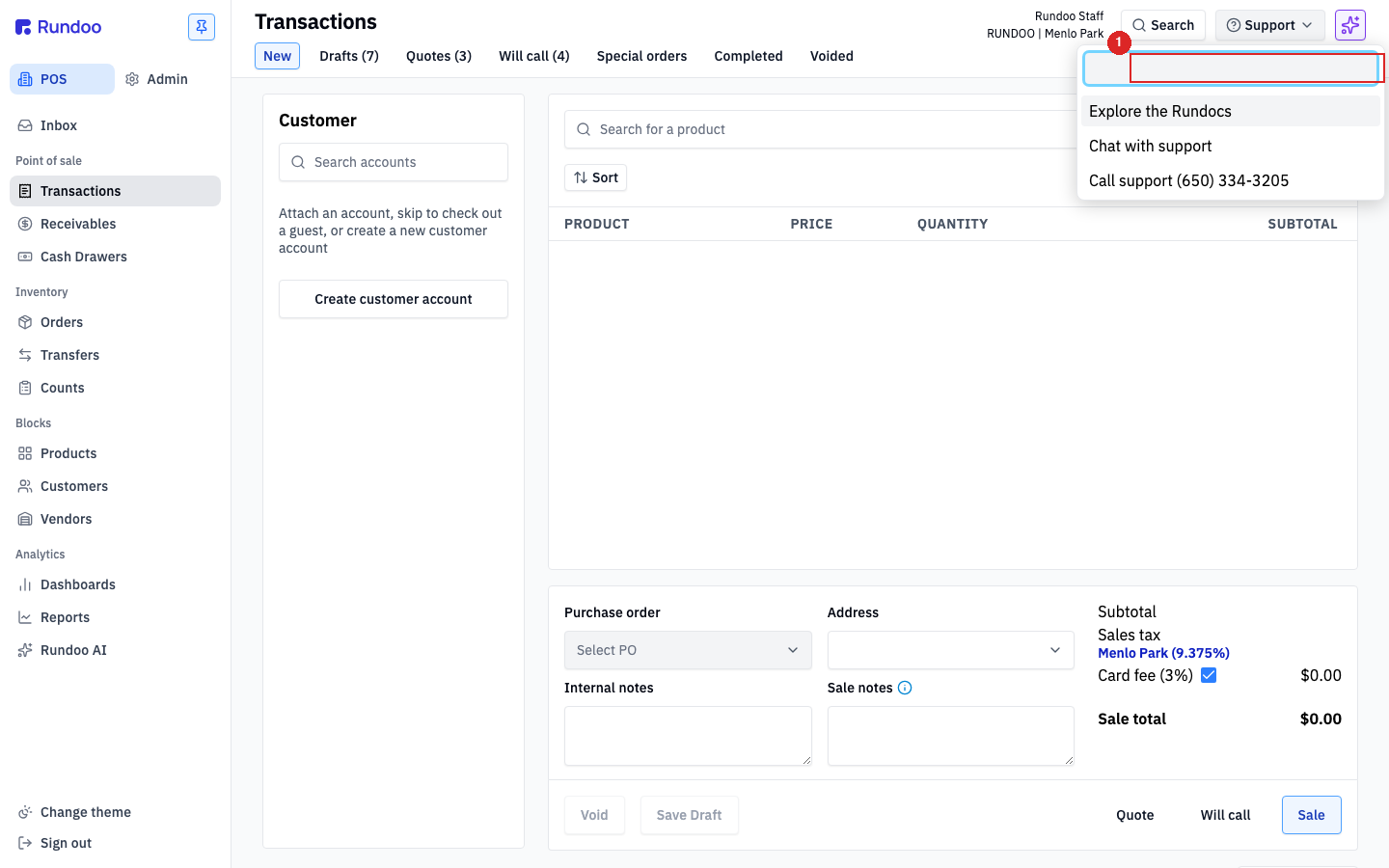
If Rundoo isn't broken but you spot a way it could work better for your shop, we want to hear it. Head to the Idea board, where you can post, upvote, and comment. The product team reads and votes on what comes in. You'd be amazed how many Rundoo features started as an idea a store owner posted right there.
Chat
Support → Chat with support
Fastest answer. Paste a screenshot.
Phone
(650) 334-3205
Best when a customer is at the counter.
support@rundoo.ai
No-rush questions. About a day to reply.
Hours
Mon–Fri, 6am–6pm PT
After-hours emergency? Call and press 1.
Good to know